Video workouts that just play
Every lesson streams at whatever quality your connection can carry — nothing to download, no player to fight.
Now on iPhone and Android
Everything your course contains — video workouts, written instructions and a day-by-day plan — in one app that remembers where you are.

What's inside
No feed, no noise. Open the app and you're on the day you're on.
Every lesson streams at whatever quality your connection can carry — nothing to download, no player to fight.
Round counts, technique notes and warnings sit with the lesson they belong to, exactly as your coach wrote them.
A course can open one day at a time, so the plan stays a plan instead of a folder to binge.
Courses keep the shape they were taught in — parts, weeks, and the lessons inside them.
Nutrition plans, checklists and any PDF your coach attaches open right inside the app.
Sign in once. Whatever you've been given access to is there, with the time you have left on it.
A look inside
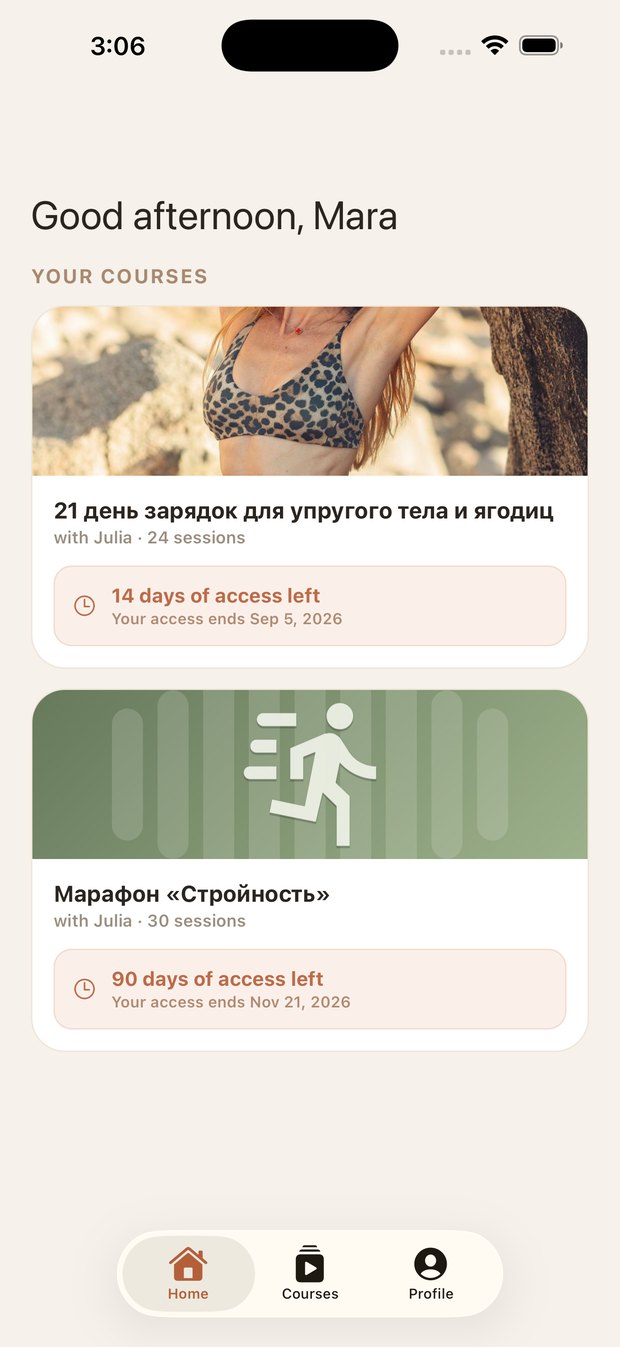
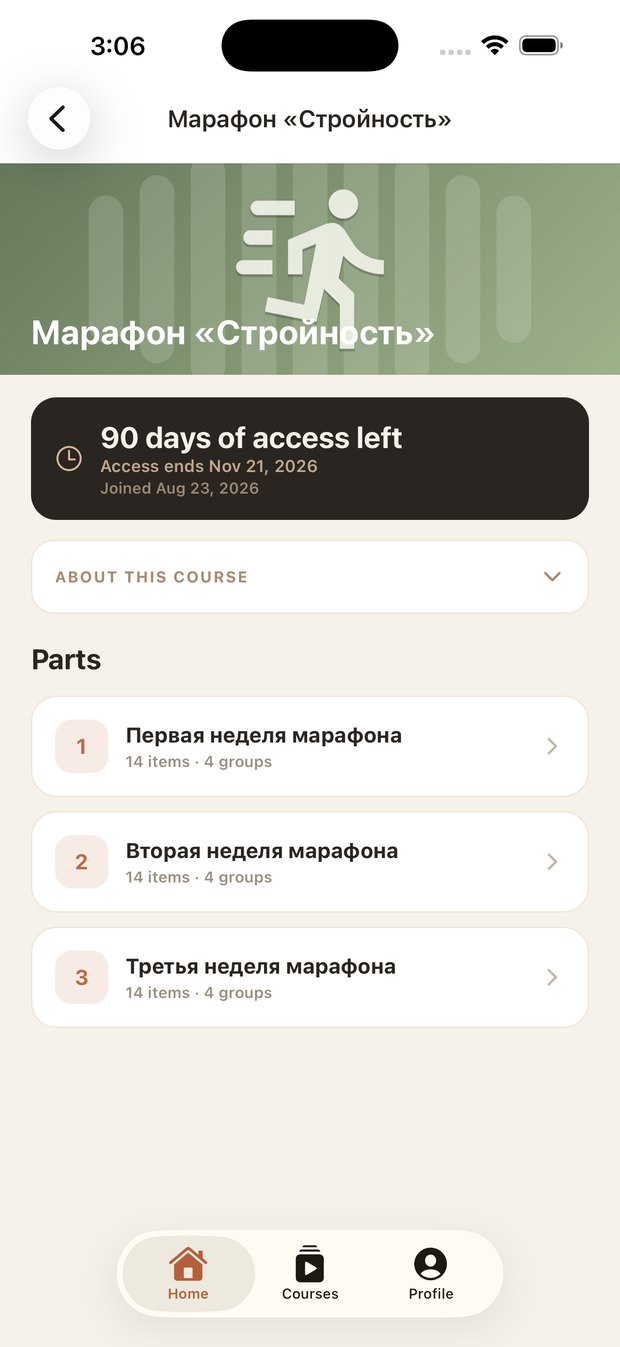
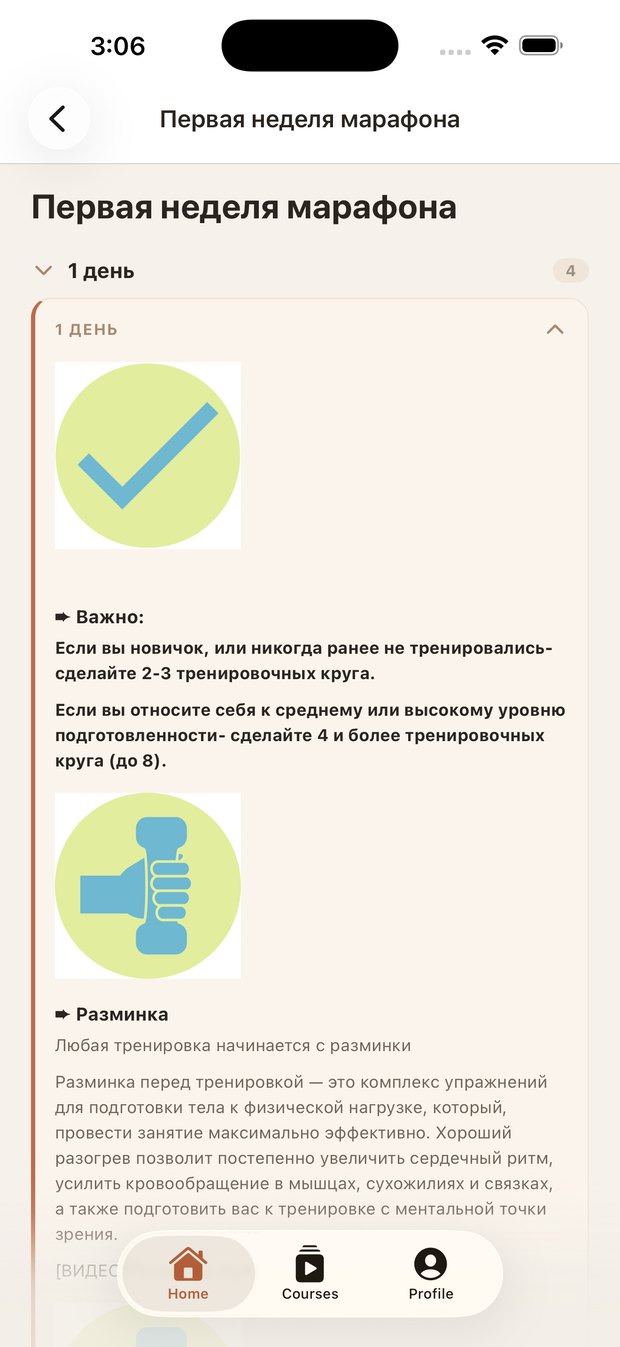
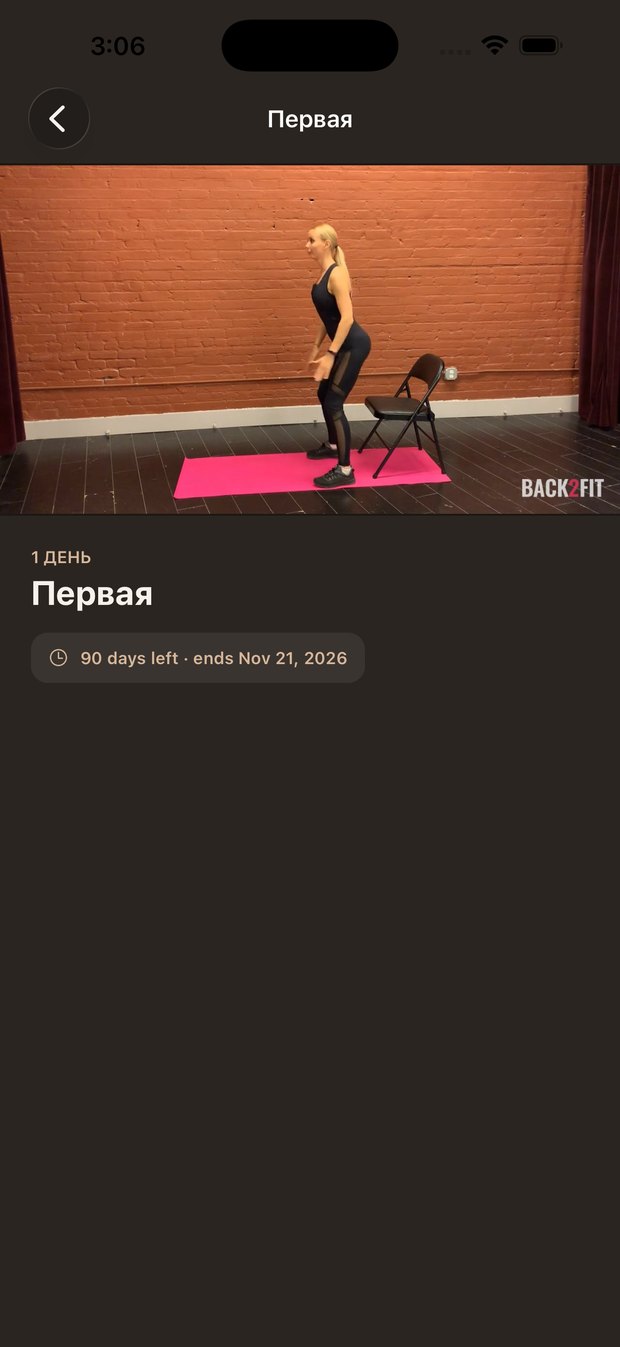
Screenshots go in site/assets/screens/ — see the README there for names and sizes.
Getting in
The app is for people already enrolled in a Back2Fit course. Your coach grants access — join a course, create an account with the email you signed up with, and it appears. The app itself sells nothing.
Questions, or something not working? We'll help.